Once an user statement dispute investigation is completed, you can update the dispute status to resolve it.
- Go to Billing Center > User Statement Dispute.
- Select the dispute’s entry. The Resolution page opens.
- Enter your decision in the Dispute Resolution text box.
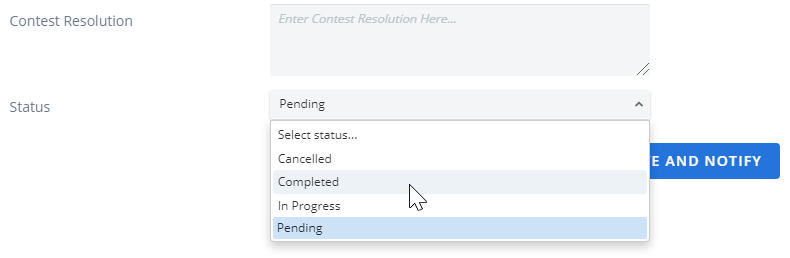
- Select the Status:
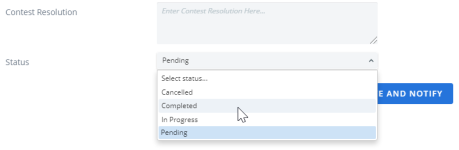
- Canceled
- Completed
- In Progress
- Pending
- Select a Save option:
- Save: this option just saves the dispute resolution.
- Save and Notify: this option saves the dispute resolution and sends a notification of the action taken to the person who initially contested their invoice.
- Cancel: exit without saving your changes.